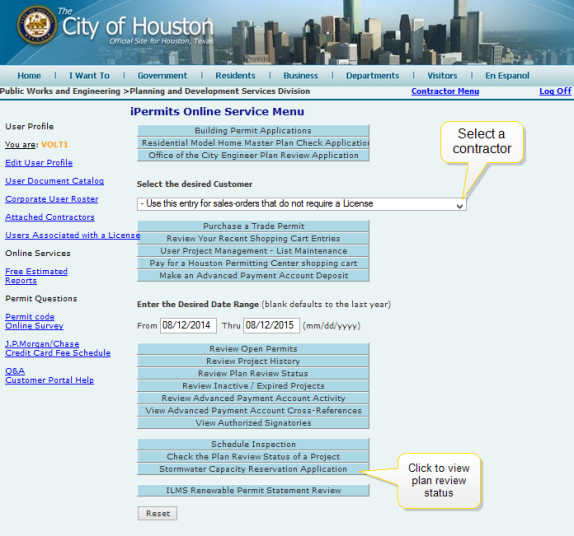
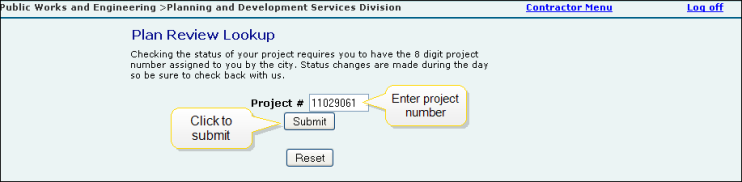
The iPermits Online Web Portal allows you to check plan review status and monitor the progress of the plan check process, from submittal through approval. You can search for plan review status of a specific project using the Check the Plan Review Status of a Project function.
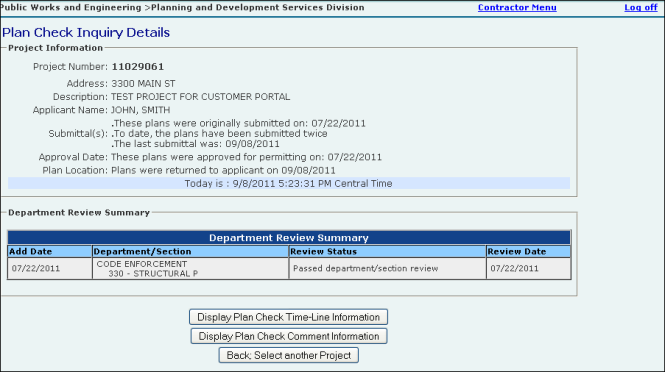
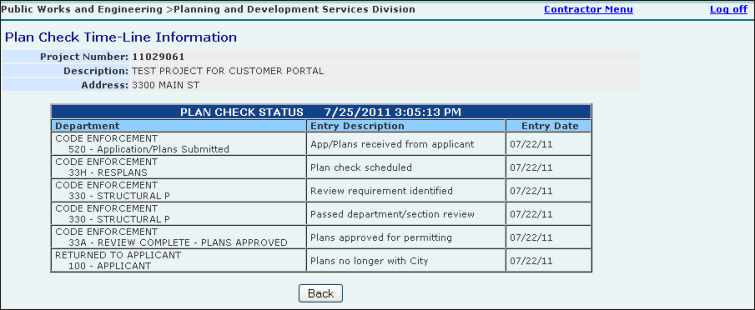
The Project Plan Review Summary screen enables you to view a summary of projects with submitted plan reviews within the set date range associated with the selected contractor. The Plan Check Inquiry Details screen lists the project information, general plan status details and the Department Review Summary. The Plan Check Timeline screen displays plan statuses from submittal to approval. The Plan Check Comment Information screen displays comments associated with the plan check for the selected project number.
 To access the plan review status of a project screen: